
Accessing the Portal
Log in to the Rendr Delivery Dashboard to manage your deliveries, locations, and account settings
The Delivery Dashboard is Rendr’s merchant portal, where you can create and track deliveries, manage locations, and configure your account. This guide walks you through logging in for the first time.
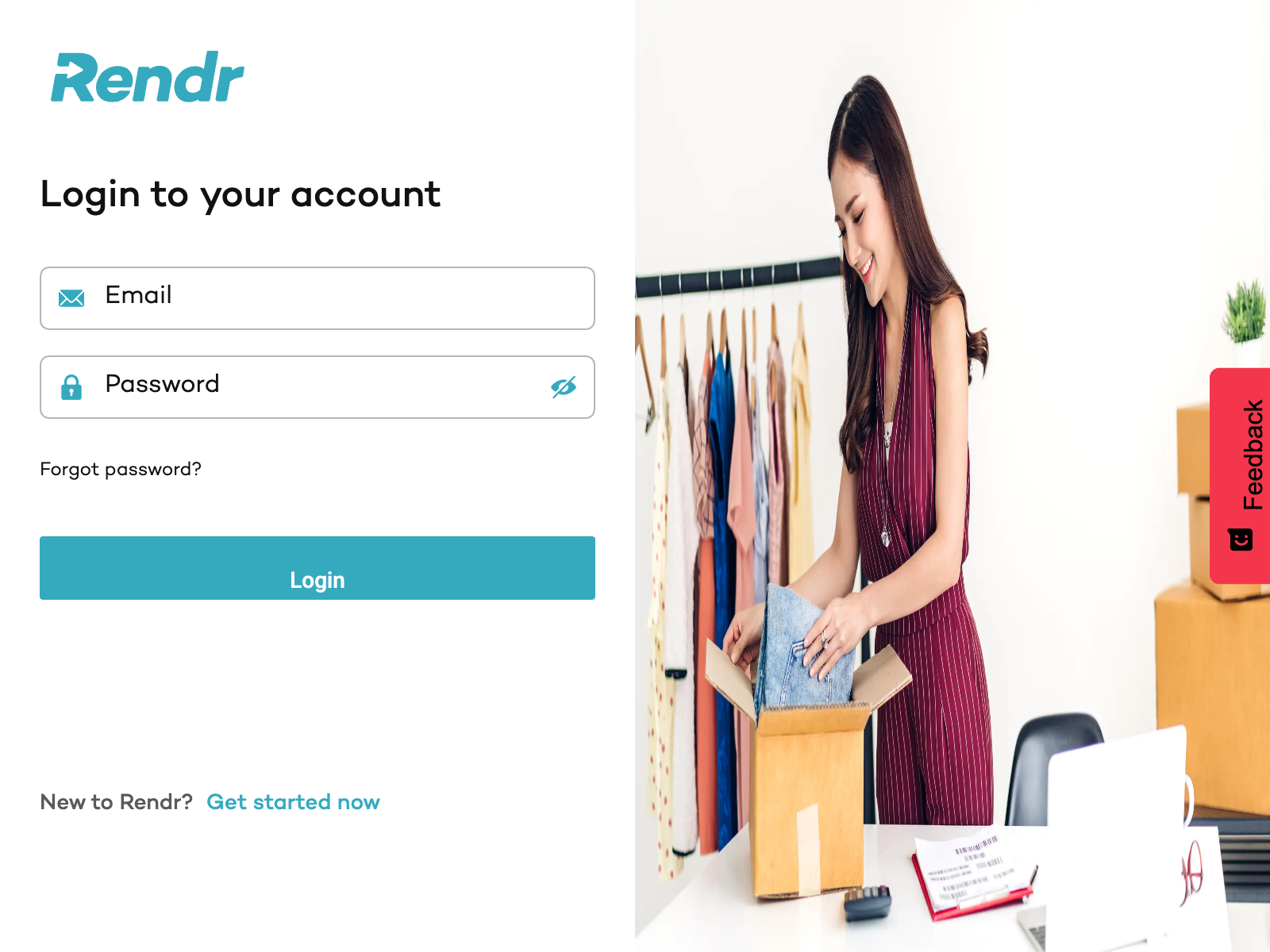
New to Rendr? Select Get started now on the login screen to create a merchant account.
If you don’t have login credentials or are having trouble accessing the portal, contact your Rendr account manager or submit a request.