
Brauz: Rendr as Carrier
Overview
Rendr has collaborated with Brauz. Merchants should engage directly with the Brauz team for setup and activation.
The Rendr & Brauz integration allows merchants to offer fast, location-aware Rendr delivery options through Brauz’s omnichannel checkout and fulfilment platform.
When configured, Brauz manages how Rendr delivery options are shown at checkout and how orders are routed to the correct store for fulfilment.
This integration helps merchants:
- Display Rendr delivery options only where inventory is available
- Offer Fast, Same Day and Standard delivery with dynamic pricing and timing
- Prevent out-of-range delivery options from appearing at checkout
- Route orders to the correct physical store automatically
- Trigger Rendr collection once store staff mark orders as ready
After the integration is active:
- Brauz controls checkout delivery options
- Rendr provides live delivery pricing and service availability
- Orders flow through Brauz for in-store fulfilment
- Rendr is notified when orders are ready for collection
How it works
This integration works through Brauz as the orchestration layer.
Checkout & rates
- A customer adds products to their cart.
- Brauz checks inventory availability by store location.
- A live quote request is sent to Rendr.
- Rendr returns available Fast, Same Day and/or Standard delivery options.
- Rates include dynamic pricing and delivery time estimates.
- If the customer is out of range, no Rendr rates are shown.
The integration also considers:
- Store operating hours, including on weekends
- Public holidays
- Special trading hours
What you’ll need
- An active Brauz merchant account, with Brauz access and onboarding support
- An active Rendr merchant account
- An online store connected to Brauz
- Coordination with Brauz for configuration and testing
Fulfilment flow
Brauz manages the order lifecycle until it is handed off to Rendr.
Testing
Testing is typically coordinated with Brauz during onboarding.
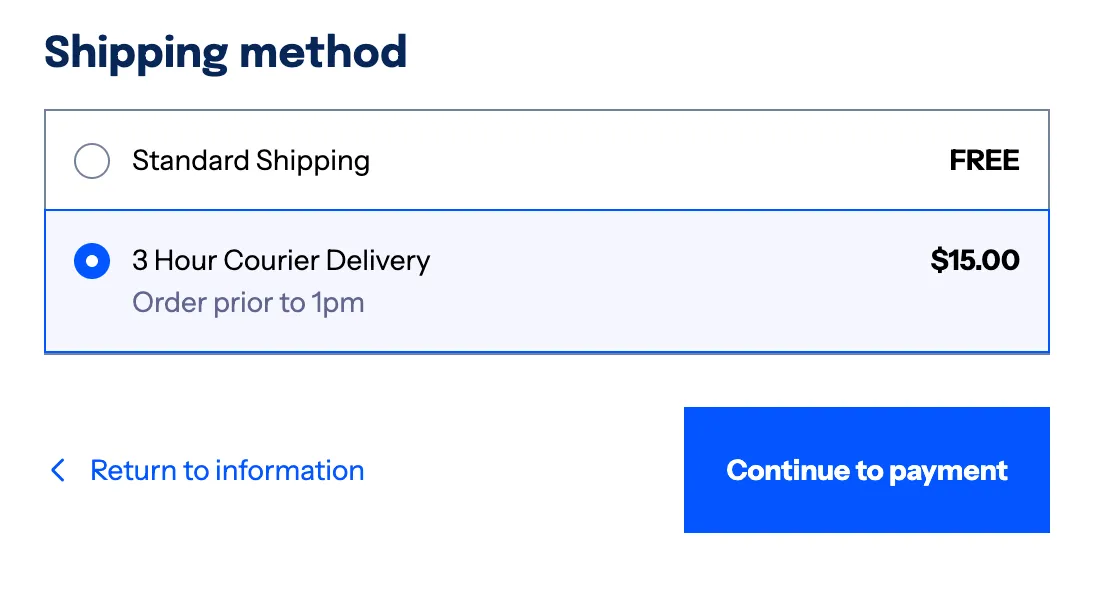
Success looks like:
- Rendr Fast, Same Day and/or Standard options appear at checkout only when valid
- Orders appear in Brauz for store staff
- Rendr is notified when orders are marked Ready
Support and troubleshooting
Contact us
For this integration, Brauz is the primary point of contact for configuration and checkout behaviour.
You can also contact Rendr Support here: